firestore를 이용한 간단한 게시판 앱 만듬
금주 게시판임^.^
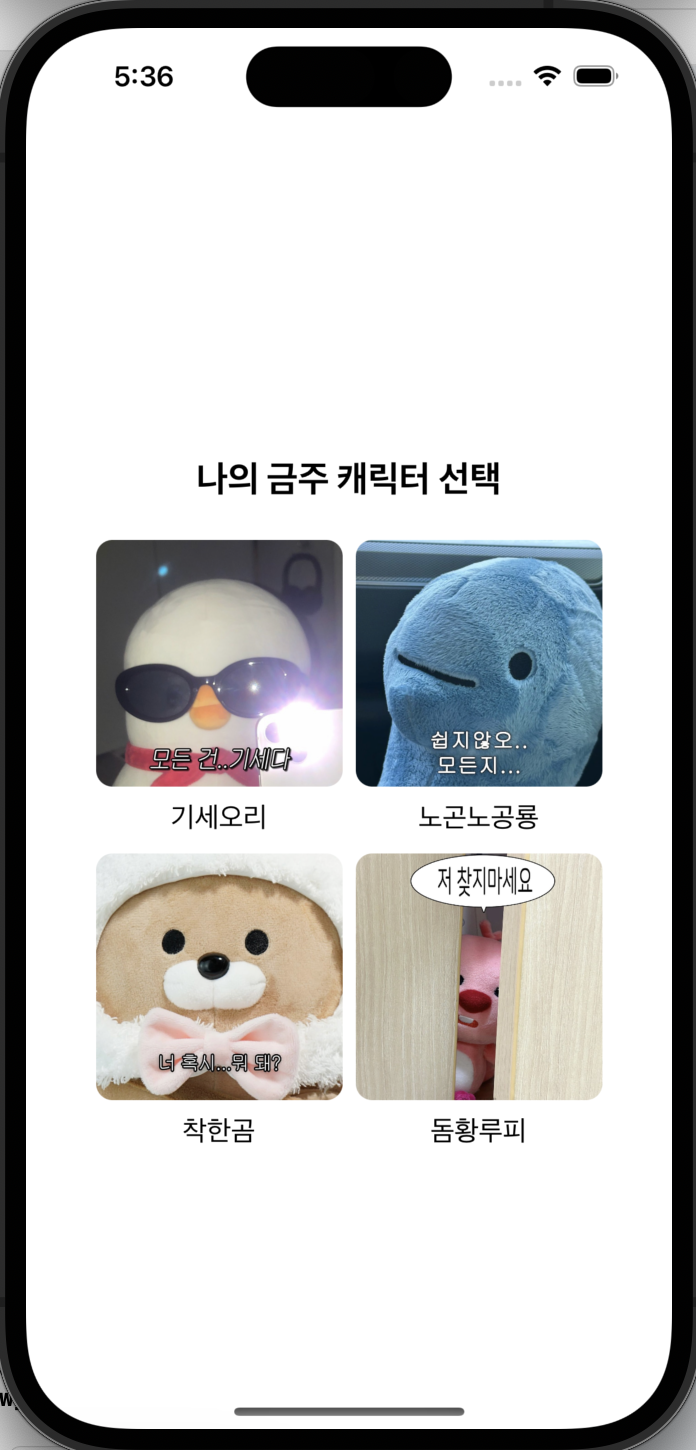

로그인 대신 일단 캐릭터 선택해서 들어가도록 만둠
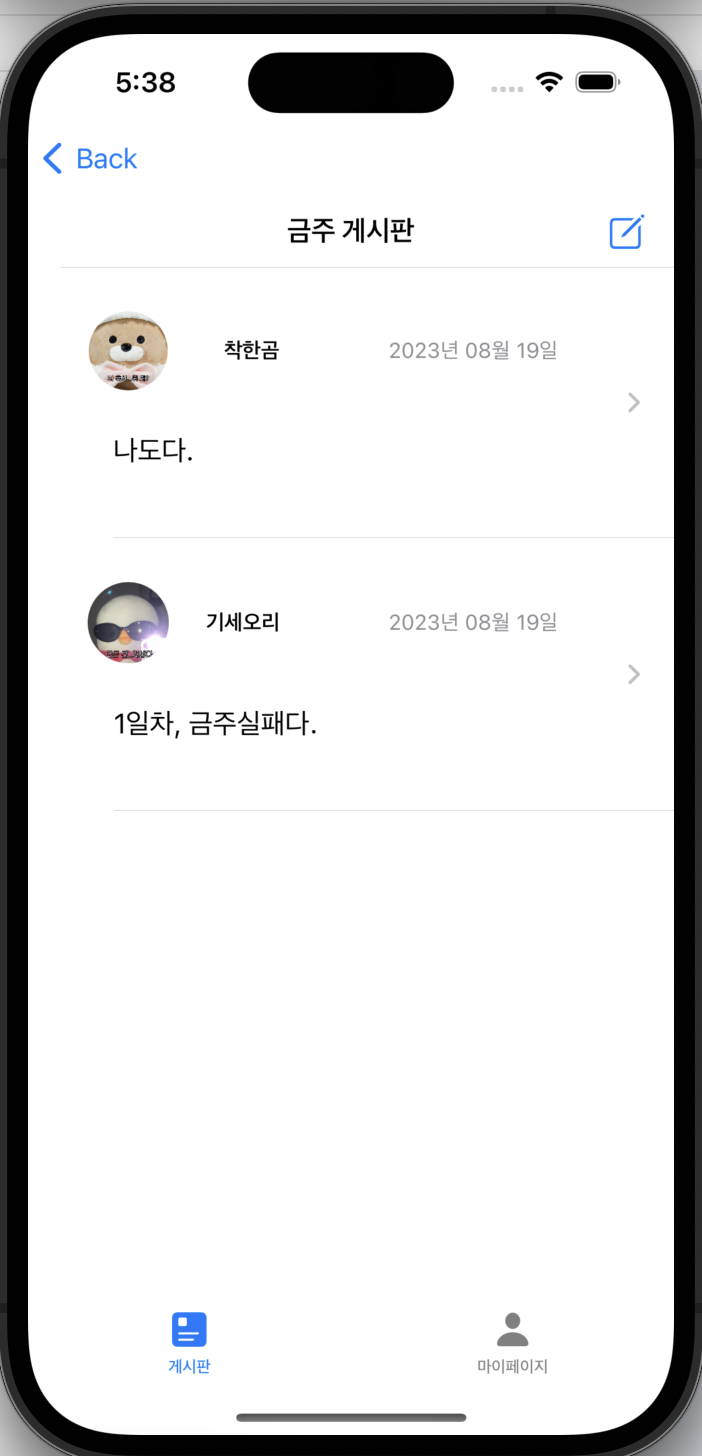
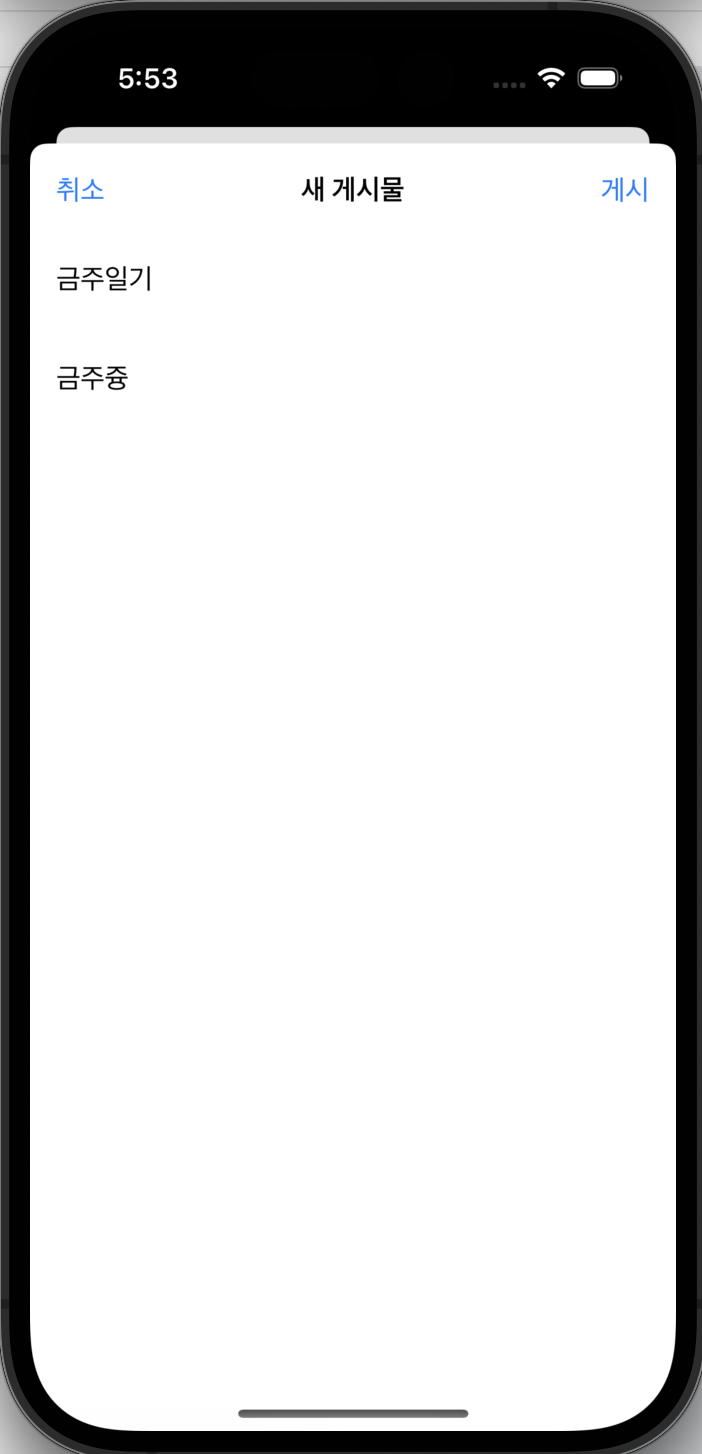
^.^

근데 게시물 디테일뷰에서 네비게이션 스택이 겹쳐보이는것
상위 뷰에서 NavigationLink를 이용하고, 탭뷰에서 한번 더 뷰를 이동하니 네비게이션 스택이 층으로 쌓여서 이렇게 된 것
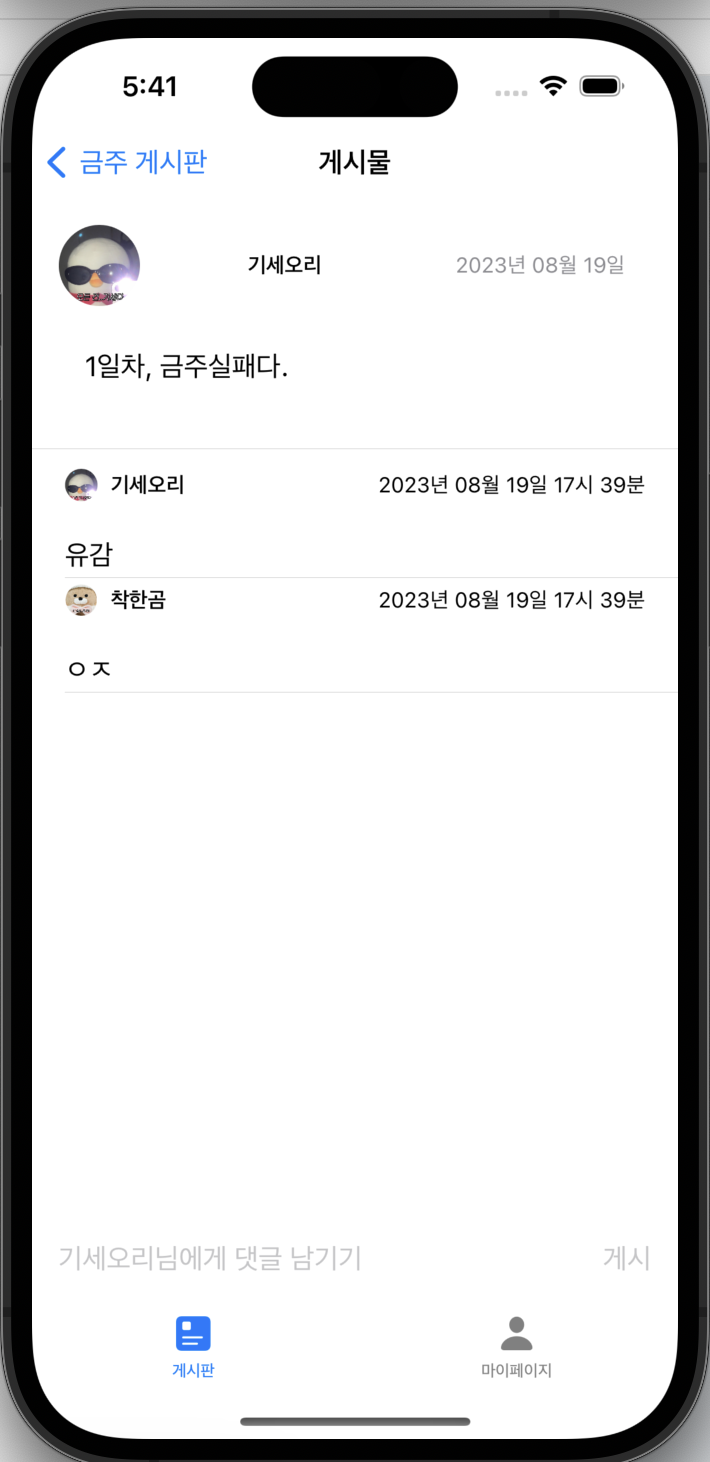
간단하게 생각해서 탭뷰의 백버튼을 지워줬다.
import SwiftUI

struct MainView: View {
    var profile : Profile
    @State private var tabSelection = 0

    var body: some View {

            TabView(selection: $tabSelection){
                NavigationView{
                    BoardListView(profile: profile)
                }
                    .tabItem{
                        Image(systemName:"square.text.square").foregroundColor(.white)
                        Text("게시판")
                    }.tag(0)

                NavigationView{
                    MyPageView(profile: profile)
                }
                    .tabItem{
                        Image(systemName:"person").foregroundColor(.white)
                        Text("마이페이지")
                    }.tag(1)
            }

        } .navigationBarBackButtonHidden(true) //백버튼 지워줌
    }
}
https://insubkim.tistory.com/374
[SwiftUI] 쌓인 NavigationLink 한번에 없애기
import SwiftUI class NavigationModel: ObservableObject { @Published var firstIsActive = false @Published var secondIsActive = false @Published var thirdIsActive = false func returnToView2() { firstIsActive = false } } struct ContentView: View { var body: s
insubkim.tistory.com
이 것 외로 EnvironmentObject를 이용하면 한번에 쌓인 스택을 없앨 수 있음!
https://stackoverflow.com/questions/57334455/how-can-i-pop-to-the-root-view-using-swiftui
How can I pop to the Root view using SwiftUI?
Finally now with Beta 5 we can programmatically pop to a parent View. However, there are several places in my app where a view has a "Save" button that concludes a several step process and
stackoverflow.com
+ NavigationPath 보기
'PROGRAMMING CODE > SWIFT' 카테고리의 다른 글
| [SwiftUI] Xcode Firebase 기본설정 (0) | 2023.09.25 |
|---|---|
| [SwiftUI] 뷰 모듈화 (0) | 2023.09.24 |
| [Figma] iOS 디자인 래퍼런스 (0) | 2023.09.04 |
| [Swift] Firestore 데이터 파싱 (0) | 2023.08.29 |
| [SwiftUI] Half modal (0) | 2023.08.29 |